Products
What we are building
We are building two consumer apps for iOS and Android, each designed to make an everyday part of life feel clearer and more manageable.
MacroMirror
A calmer, more flexible way to understand your food, without scores, judgement or restrictive prompts.
Food tracking can be useful without becoming a judgement. MacroMirror is being designed to help you notice patterns, make informed choices and keep the bigger picture in view.
Add a meal in the way that suits you, with a photo, a short description or a barcode. An AI service can identify food and estimate portions, while public nutrition sources provide the underlying numbers. You can review and adjust every entry before saving it.
Your targets are yours to set, including the choice not to set any. MacroMirror is there to support your approach, not impose one of its own.
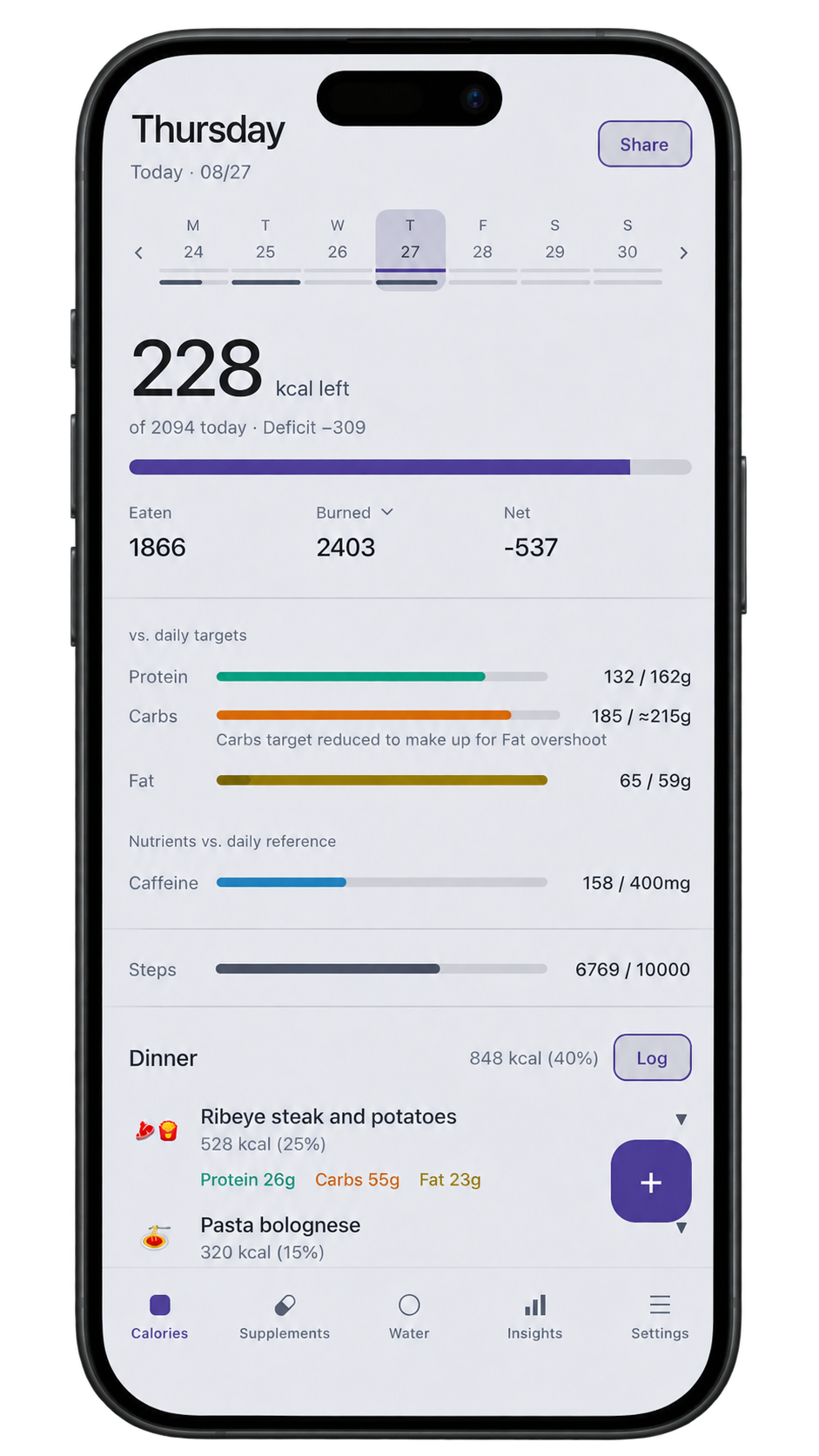
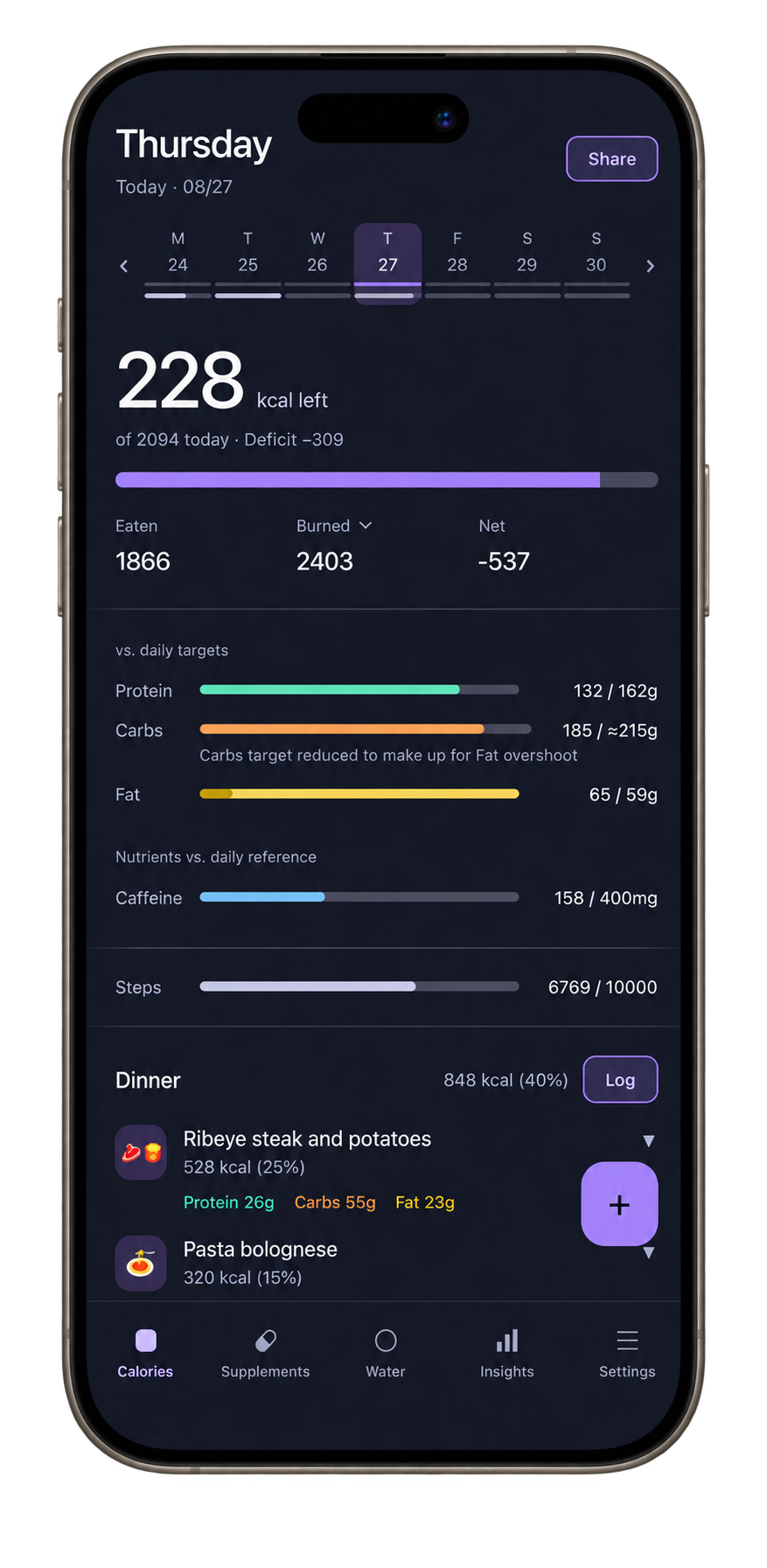
Figure legend
- Category
- Nutrition tracking
- Platforms
- iOS, Android
What MacroMirror does
- Log a meal by photo, by a short description, or by barcode.
- An AI service identifies the food; a public nutrition database supplies the calories and nutrients.
- Review and correct every entry before it is saved. Portions are shown as estimates and can be edited.
- Track water, supplements, weight, body fat, exercise and steps alongside food.
- Choose a fixed calorie goal, an activity-adjusted goal, or no goal at all.
- Optional two-way sync with Apple Health on iOS and Android Health Connect, turned off by default.
- Pick up your diary on whichever device you have to hand. What syncs is encrypted before it leaves your phone, so we cannot read it.
- Your food diary is held on the device, so the app keeps working while you are offline.
On privacy. Your food diary is personal. It is held on your device, and anything that syncs between your own devices is encrypted before it leaves, so we cannot read it. When you use meal recognition, a copy of that photo is sent only for that request and is not kept afterwards. Your photo library is not uploaded. MacroMirror carries no advertising, and we do not sell personal data.
MacroMirror shows what you ate and compares it against the targets you choose, including the choice to set none. It does not give medical advice.
EasyCalendar
A flexible calendar that keeps your plans clear, wherever work and life take you.
Travel and time zones should not make your calendar harder to trust. EasyCalendar is being designed to keep your plans understandable whether you are at home, between cities or working with people elsewhere.
Make it your own with per-event time zones, tags, colours and the views that help you think clearly. Keep the tools you already rely on close at hand.
Each event can carry its own time zone. Mark a trip and the days you are away are shown in the destination's local time, so your schedule stays clear while you travel.
Your events remain available on your device when you have no connection. You can also link a Google or Outlook calendar to see it alongside your own. Desktop and web versions are planned alongside the mobile apps.
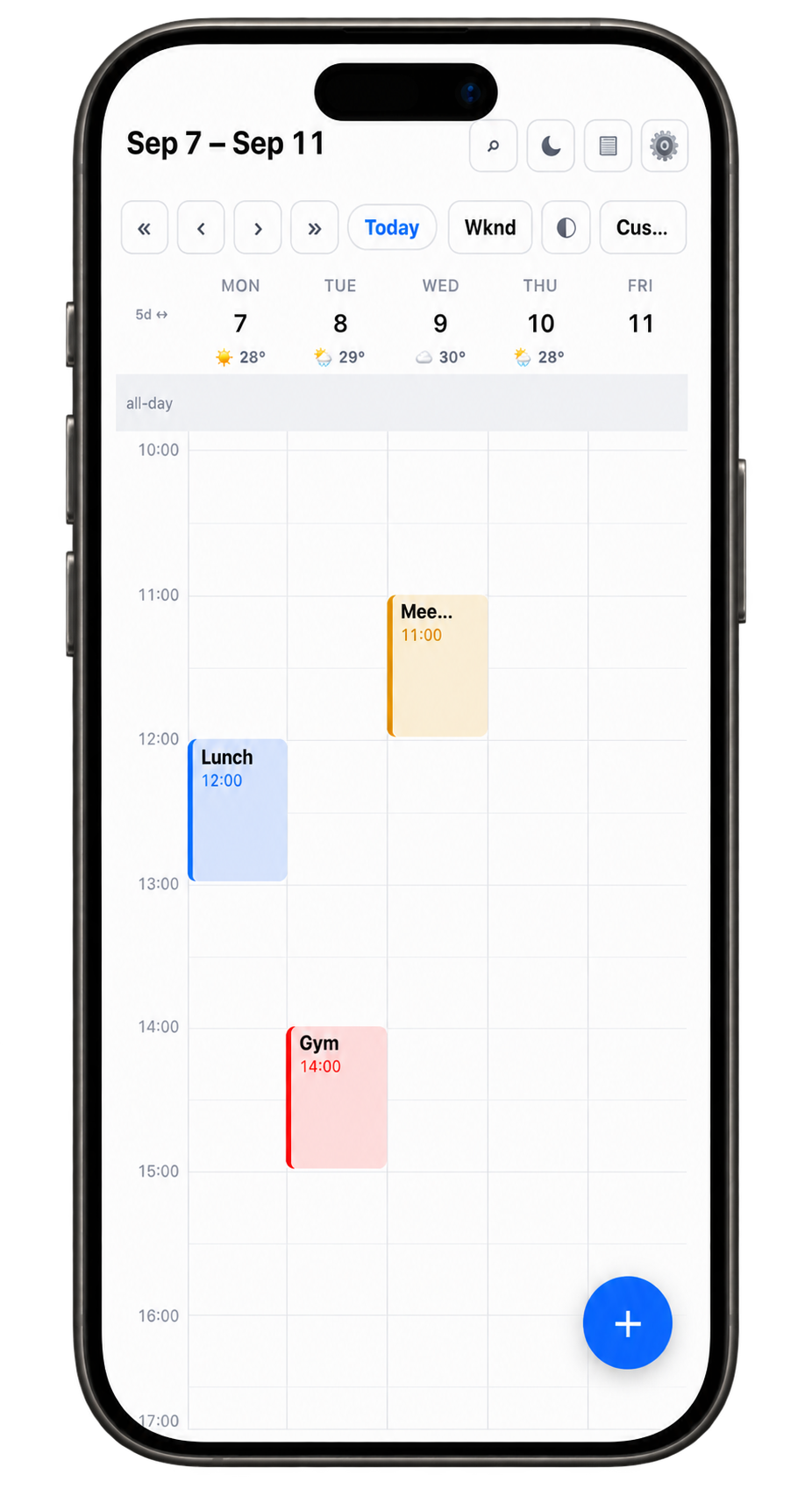
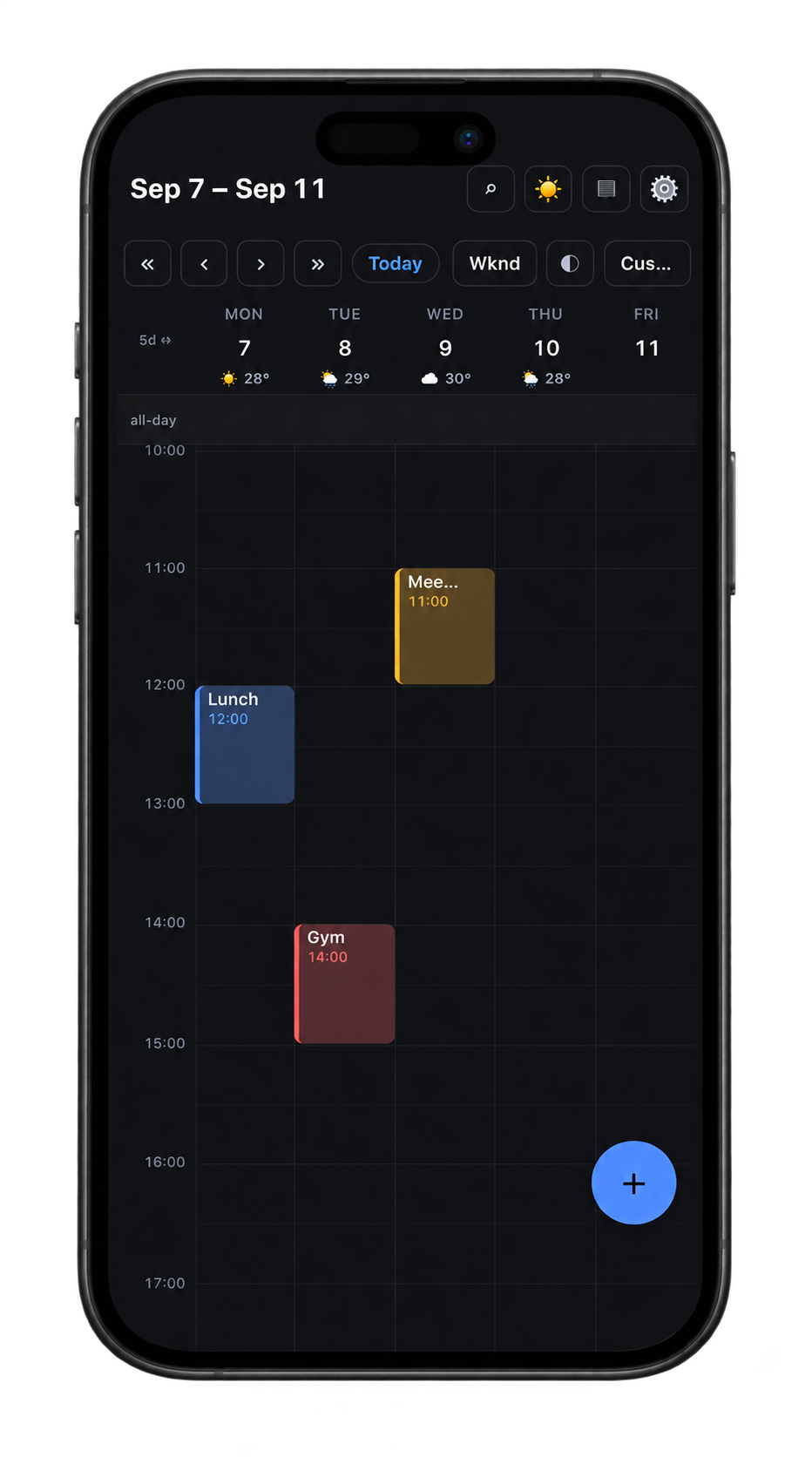
Figure legend
- Category
- Calendar
- Platforms
- iOS, Android, web planned
What EasyCalendar does
- Month, week, day and agenda views, with adjustable day counts and zoom.
- Per-event time zones and a travel mode that shows your trips in local time.
- Recurring events with single-occurrence edits, reminders, tags and colours.
- Clash detection that flags double bookings.
- Search, a highlight mode, and a free-time view for finding open days.
- A sharing mode that hides event titles and notes while you show your screen.
- Weather on your days, fetched by a city you choose rather than by your location.
- Linking a Google or Outlook calendar, read-only to begin with.
- Add a meeting on your phone and find it on your desktop, without checking twice that it made it. What syncs is encrypted before it leaves your device.
- Your own events held on the device, so the calendar works without a connection.
On privacy. Your calendar is yours. Your own events are held on your device, and anything that syncs between your own devices is encrypted before it leaves, so we cannot read it. Linking Google or Outlook is optional. Weather is fetched by city name, not your location. EasyCalendar carries no advertising, and we do not sell personal data.
Linking to Apple's calendar and editing Outlook events are planned and not yet available.
Release status
Both applications are in private testing. When they are ready, they will be available by subscription through the App Store and Google Play, with a clear privacy policy for each one.